
Ranorex
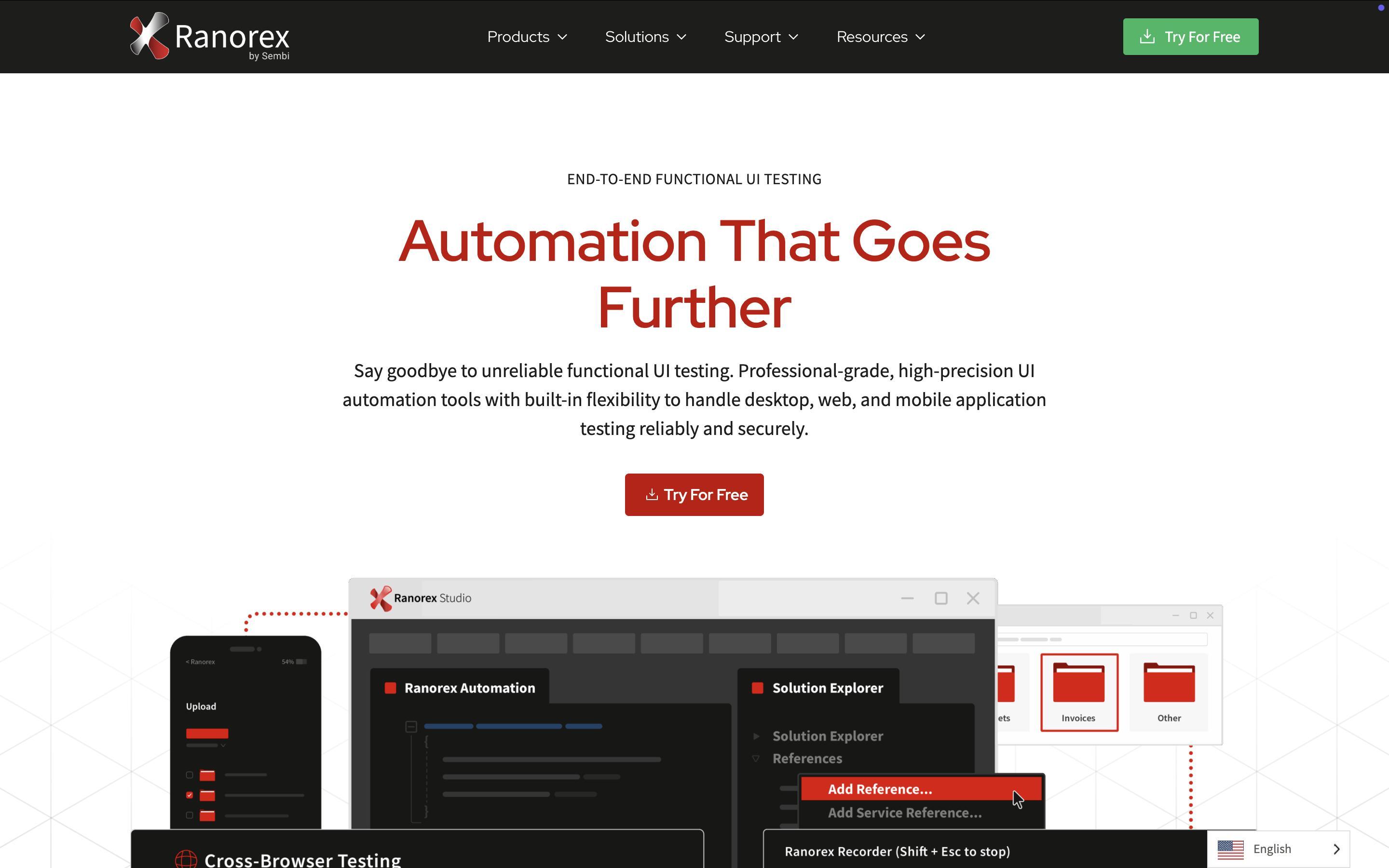
Ranorex provides the capabilities required to automate tests for legacy systems, custom user interfaces, and intricate application workflows. It’s built for teams that need a robust, professional-grade solution.
Precision You Can Count On
Ranorex delivers highly accurate element identification through advanced object recognition, ensuring reliable test execution across dynamic user interfaces. This reduces test instability and minimizes maintenance efforts, even as applications evolve.
One Platform, Many Possibilities
Ranorex supports both full-code and low-code approaches, enabling teams to test desktop, web, and mobile applications on a single unified platform. It adapts to various workflows and team structures.
Trusted and Enterprise-Ready
Ranorex integrates with leading DevOps tools, supports secure on-premises deployment, and scales to meet the needs of enterprise QA teams. It is designed for reliability, compliance, and performance in complex environments.
Key Features
- Supports desktop, web, and mobile testing
- Codeless automation (for beginners)
- Support scripting in C# and VB.NET
- Reliable object recognition
- Integration with CI/CD tools (Jenkins, Azure DevOps)
Ranorex studio

Ranorex Studio is a commercial integrated development environment (IDE) for automated testing of desktop, web, and mobile applications. It provides both low-code and full-code capabilities, enabling manual testers and developers to design, execute, and maintain automated tests efficiently.The software is used widely by QA teams in Agile and Devops environments to accelerate release cycles and ensure software quality.
Core features
Ranorex Studio offers a hybrid approach combining codeless automation with scripting flexibility. The built-in recorder and drag-and-drop editor let non-technical users create test cases, while technical users can extend them with C# or VB.NET code. Its object recognition engine, Ranorex Spy, identifies UI elements across dynamic interfaces, ensuring test stability even as applications evolve. Additional tools include DesignWise for AI-based test optimization and Selocity for generating web selectors.
Cross-platforms and integration support
Ranorex Studio unifies testing for Windows, browsers, and mobile devices within a single environment. It integrates with leading CI/CD systems such as Jenkins, Azure DevOps, and TeamCity, as well as test-management tools like Jira and TestRail. Selenium WebDriver compatibility allows reuse of exiting web automation assets, and parallel test execution speeds up large regression suites.
Use case and benefits
Ranorex Studio is designed for end-to-end functional, regression, and data-driven testing.It enables QA teams to automate repetitive manual checks, validate complex workflows, and ensure consistent behavior across platforms. Its modular architecture promotes reusable code components, reducing maintenance effort. Advanced reporting provides screenshots, logs, and video playback to aid in root-cause analysis and traceability within development pipelines.
Reception and limitations
Reviewers praise Ranorex Studio’s accessibility, strong reporting, and scalability, but note challenges with object recognition in certain .NET or SAP interfaces and occasional support delays for U.S. user [turn0search6] . Overall, it remains a robust choice for organizations seeking a unified, enterprise-grade test automation IDE that bridges technical and non-technical QA roles.
Ranorex Recorder

Ranorex Recorder is a software automation recording tool designed to capture user interactions with desktop, web, and mobile applications for automated testing. It is part of the Ranorex Studio ecosystem, enabling users to create, edit, and replay test scripts without deep programming knowledge.
Features and Functionality
Ranorex Recorder allows testers to record user actions such as clicks, keystrokes, and gestures directly within an application. These actions are automatically translated into test steps that can be parameterized and reused. It also supports validation of UI elements, error handling, and data-driven testing. The tool provides an intuitive interface for creating maintainable test cases without writing code.
Integration with Ranorex Studio
The Recorder is tightly integrated into Ranorex studio, where recorded tests can be enhanced using C# or VB.NET code. Testers can combine recorded actions with modular test cases, object repositories, and data connectors. This combination makes it suitable for both manual testers transitioning to automation and experienced developers managing complex frameworks.
Use Cases and
Advantages
Ranorex Recorder is widely used functional,
regression, and end-to-end testing across diverse platforms. It helps teams
accelerate test creation and reduce maintenance by generating reusable modules.
Its cross-technology object recognition and integration with CI/CD pipelines
make it suitable for enterprise-level automation efforts.
Limitations
and Considerations
While the Recorder simplifies test creation, it may
generate less efficient scripts compared to hand-coded frameworks. Proper
organization and modularization are recommended to maintain scalability,
especially in large projects with frequent UI changes.
Limitations and Considerations